

DOORS CLOSED // NEXT ROUND APRIL 2026 // JOIN THE WAITLIST // DOORS CLOSED // NEXT ROUND APRIL 2026 // JOIN THE WAITLIST // DOORS CLOSED // NEXT ROUND APRIL 2026 // JOIN THE WAITLIST // DOORS CLOSED // NEXT ROUND APRIL 2026 // JOIN THE WAITLIST // DOORS CLOSED // NEXT ROUND APRIL 2026 // JOIN THE WAITLIST // DOORS CLOSED // NEXT ROUND APRIL 2026 // JOIN THE WAITLIST //
DOORS CLOSED // NEXT ROUND APRIL 2026 // JOIN THE WAITLIST // DOORS CLOSED // NEXT ROUND APRIL 2026 // JOIN THE WAITLIST // DOORS CLOSED // NEXT ROUND APRIL 2026 // JOIN THE WAITLIST // DOORS CLOSED // NEXT ROUND APRIL 2026 // JOIN THE WAITLIST // DOORS CLOSED // NEXT ROUND APRIL 2026 // JOIN THE WAITLIST // DOORS CLOSED // NEXT ROUND APRIL 2026 // JOIN THE WAITLIST //

THE SQUARESPACE BUILD-ALONG
A live, energy-aware, get-it-done course for people who are so done with half-built websites and perfection spirals.
DOORS CLOSED // NEXT ROUND APRIL 2026 // JOIN THE WAITLIST // DOORS CLOSED // NEXT ROUND APRIL 2026 // JOIN THE WAITLIST // DOORS CLOSED // NEXT ROUND APRIL 2026 // JOIN THE WAITLIST // DOORS CLOSED // NEXT ROUND APRIL 2026 // JOIN THE WAITLIST // DOORS CLOSED // NEXT ROUND APRIL 2026 // JOIN THE WAITLIST // DOORS CLOSED // NEXT ROUND APRIL 2026 // JOIN THE WAITLIST //
DOORS CLOSED // NEXT ROUND APRIL 2026 // JOIN THE WAITLIST // DOORS CLOSED // NEXT ROUND APRIL 2026 // JOIN THE WAITLIST // DOORS CLOSED // NEXT ROUND APRIL 2026 // JOIN THE WAITLIST // DOORS CLOSED // NEXT ROUND APRIL 2026 // JOIN THE WAITLIST // DOORS CLOSED // NEXT ROUND APRIL 2026 // JOIN THE WAITLIST // DOORS CLOSED // NEXT ROUND APRIL 2026 // JOIN THE WAITLIST //
This is where we build your website side by side, in real time, with real momentum, real clarity, and a little bit of magic woven into the process.
You bring your ideas, your business, your vibes.
I bring the structure, the guidance, and the grounded creative energy that helps you actually finish the thing.
Let’s get your website out of your head and into the wild!


Who is this for?
This course is for self-employed humans who want a website they can finally launch without months of faffing, overthinking, or disappearing into a hole of YouTube tutorials.
It’s for business owners who want visibility but refuse to sacrifice their sanity to get there.
It’s for the people who know their business has outgrown stand-alone ‘landing pages’ and they’re ready for something that feels like a warm welcome into their business.
It’s for anyone who wants to stop building websites in isolation and start building with support, clarity and kind accountability..
Who it’s not for: This isn’t for people who want a complex, multi-page custom build, with advanced funnels, or a full branding process. It’s not for anyone who wants someone else to do every single part of it for them. This is a guided build - you will be creating your own site with support..
What’s probably running through your mind right now
You worry your site won’t look “professional enough.”
You assume the tech is where you’ll get stuck.
You’ve started a website before but backed away when it all felt too big
You’ve told yourself you’ll build it “when you’re ready.”
You’ve convinced yourself you need a full brand before you can even begin.
And you’re tired of dancing around the same cycle: Start → overwhelm → abandon → repeat.
I get it. Truly.
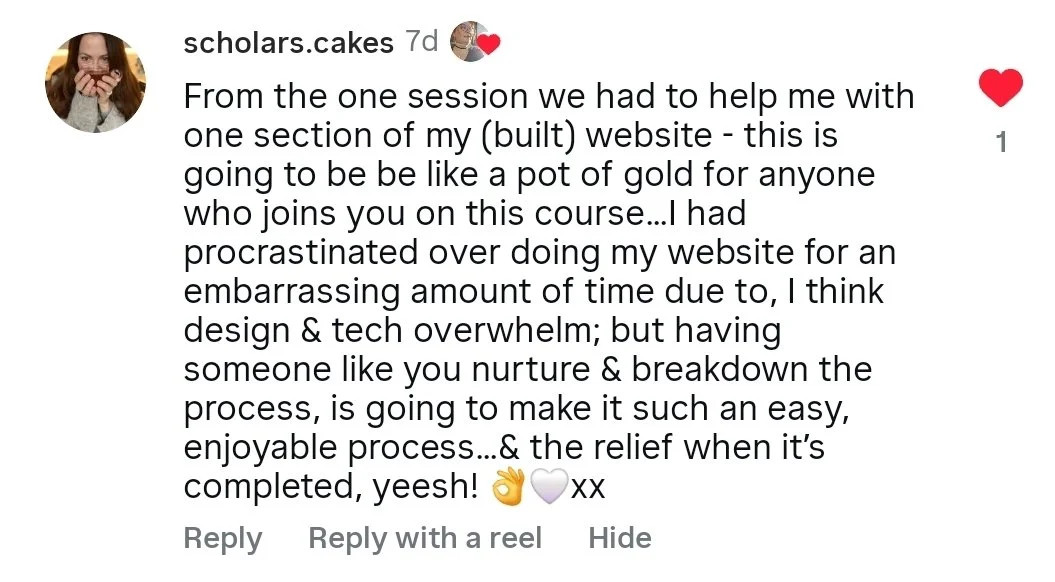
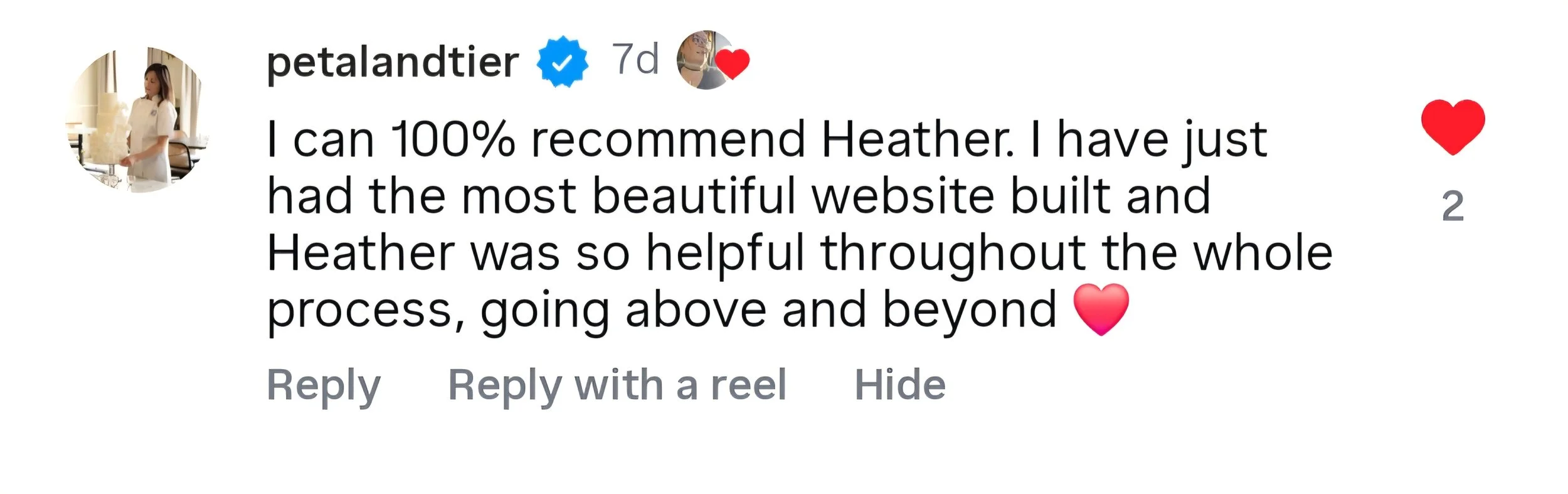
What I want you to know
You don’t need to be a designer.
You don’t need to be techy.
You don’t need perfect branding or the perfect words.
You just need a path that cuts out the noise, reduces the choices, and keeps you moving… without the pressure spiral, without the “I should know this by now” shame spiral, and without trying to figure everything out alone.
This build-along is intentionally structured to support your energy, your capacity, and your creative process. It’s simple. Clear. Steady.
Course Pathway
Six weeks. One published website.
When you join, you’ll receive:
Calendar invites
A workbook
Access to a Telegram group for support + momentum
-
Before we dive into building your site together, there are a few things to prep so you feel organised, calm, and ready to get the most out of our first live sessions. Nothing needs to be polished or perfect — this is just about having the basics in place so we can get straight into the fun part.
Here’s what you’ll be bringing with you:
Your website words
A rough draft of the copy for your main pages. Don’t overthink it. We’ll shape things as we build, and you’ll also have a copywriting template to lean on.A domain name
Just a sense of what you’d like your web address to be. You don’t need to buy anything yet — we can purchase the domain directly through Squarespace when we get to that step together. However, if you’d already bought your domain, I’ll show you how to connect / transfer it.Branding bits
If you already have a logo, colours or fonts, gather them. If not, we’ll start with Squarespace’s presets or create something simple in Canva.Your Squarespace plan
We’ll choose the right plan for you on our first call, but I recommend looking over the options before we start - this is a handy article.(Optional) A domain email
Consider if you’d like an email address that matches your domain (e.g: hello@virtualheather.com)To make things even smoother, there are two things you can do that really help your creative process:
A Pinterest board
Collect images, textures, colours and general vibes that help you imagine how you want your site to feel.A folder of photos
Start saving any images you might want to use. Rename the files to something meaningful so they’re easier to upload later (e.g., “Heather at laptop” instead of “IMG023C”). Aim for a mix of lifestyle shots, product or service photos, brand elements, and anything else that represents your work.All of this helps you arrive feeling prepared rather than overwhelmed. It also means we can hit the ground running inside our first live session and build momentum right away.
-
We’ll kick things off by getting you set up and feeling comfortable inside Squarespace. Here's what we’ll do together:
Create your Squarespace account
Walk through plan options and help you choose the best fit (you’ll sign up to your plan during this session so bring a method of payment to add to squarespace)
Choose your starting template
Pick your font pack + colour palette
Upload your logo (if you have one)
Set up your main navigation menu
Light intro to the dashboard
Set your “button styles” so you keep consistency across your site
Add your social links
You’ll leave with your site skeleton ready and a sense of clarity + momentum for next week.
-
This session is all about bringing your homepage to life. Using your written copy, I’ll guide you through:
Adding and editing sections
Using text blocks
Adding links - text links and buttons and linking to a page/url/document/email
Adding images and formatting styles (writing alt text as we upload)
Saving “favourite” sections to reuse later
Moving, resizing, and pacing your layout
Formatting for mobile as we go
By the end of this call your homepage will be taking shape beautifully and you’ll have a week to refine further, with the Telegram support if you come across any issues.
-
Your About page is where connection happens, and we’ll build it step by step:
Adding and editing sections
Structuring your story / approach
Adding internal links, external links, email links + links to PDFs
Linking buttons correctly
Adding images and formatting styles (writing alt text as we upload)
Reusing your saved favourite sections
Mobile formatting in real time
By the end of this call, your About page will be well on its way, and you’ll have the week to refine it even more, with Telegram support there if you need a hand along the way.
-
Here we build clarity around what you offer + how people can work with you:
Adding sections to clearly show your offers
Adding text blocks, pricing, descriptions, FAQs
Linking buttons to forms, emails or external pages [making note of form storage options and any necessary automations]
Adding images and formatting styles (writing alt text as we upload)
Structuring your service layout for ease
Reusing saved sections + mobile formatting
This is the page that helps people take that next step with you — and by the end of the call, it’ll be clean, clear and ready.
-
Now we polish the technical bits so your website is not only beautiful, but functional:
Connect your domain (or buy it inside Squarespace)
Add SEO titles to each page
Add meta descriptions that use keywords
Upload social sharing images
Run Squarespace’s AI SEO checker for a final pass
Generate your privacy policy using ICO template
Format your footer
By the end of this session, your back-end will be ready for launch.
Please note: I’m not an SEO wizard and I won’t pretend to be. I teach the grounded, practical basics that help your site get found — things like keywords, page headings, meta descriptions and image alt text. The simple stuff that makes a big difference.
If you’re looking for deeper technical strategy or advanced optimisation, you may want to chat with an SEO specialist too. What I offer here is the solid foundation. The rest is entirely optional depending on how far you want to go.
-
This is an optional Q&A call for anyone who has questions about setting up email campaigns or integrating other platforms with Squarespace. Come along if you’re planning to use Squarespace Email Campaigns or tools like Mailchimp, Flodesk, MailerLite (or anything similar) and you’re unsure where to start.
We’ll talk through things like how people sign up to your list, where that data goes, how forms connect to external platforms, and what you need in place to send campaigns or create simple automations.
There’s no formal teaching in this one, and I haven’t had experience with all email platforms — it’s a space to bring your questions and get clarity on the best setup for your business. If you’re not sure how to get your emails working smoothly, this is the call to join.
-
This is where everything comes together.
We’ll go into preview mode and:
Read every page to check flow and clarity
Click every link + fix anything broken
Check all buttons, spacing, images and mobile view
Make any final tweaks
Hit publish together (if you’re ready!)
Share your live link in the group
Celebrate how far you’ve come 🎉
What’s included
Everything is designed to help you feel supported, confident and genuinely excited about bringing your website to life.
Bonuses to support your build
Your bonuses include a Tech Jargon Buster so you actually know what’s what; an Optional live Q&A session for questions about email software, opt-ins, form storage, welcome emails and basic nurture automations; and a Resource Library to support you even further.
Optional 1:1 Support Call (£50 for 45 minutes) – If you need help with more advanced design features like CSS tweaks, online shops, or anything a bit more technical, you can book a reduced-rate one-to-one call with me. This is completely optional and there if you want extra support beyond what we cover in the live sessions.
6 live sessions + access to replays
Across six weeks you’ll build your own SEO-optimised Squarespace website step by step, side by side with others. Each session is practical and hands-on, and I’ll walk you through the SEO basics as we go so your site is set up properly from day one. If you miss a call, you’ll have full access to the replays so you can follow along in your own time.
Telegram group for support between sessions
You’ll have access to a private Telegram group to ask questions, get unstuck, share wins and keep your momentum going between calls. It’s a lovely way to stay connected and avoid that “trying to figure it out alone” feeling.
DOORS CLOSED // JOIN THE NEXT ROUND APRIL 2026 // RESERVE YOUR SPACE WITH A DEPOSIT //
DOORS CLOSED // JOIN THE NEXT ROUND APRIL 2026 // RESERVE YOUR SPACE WITH A DEPOSIT //
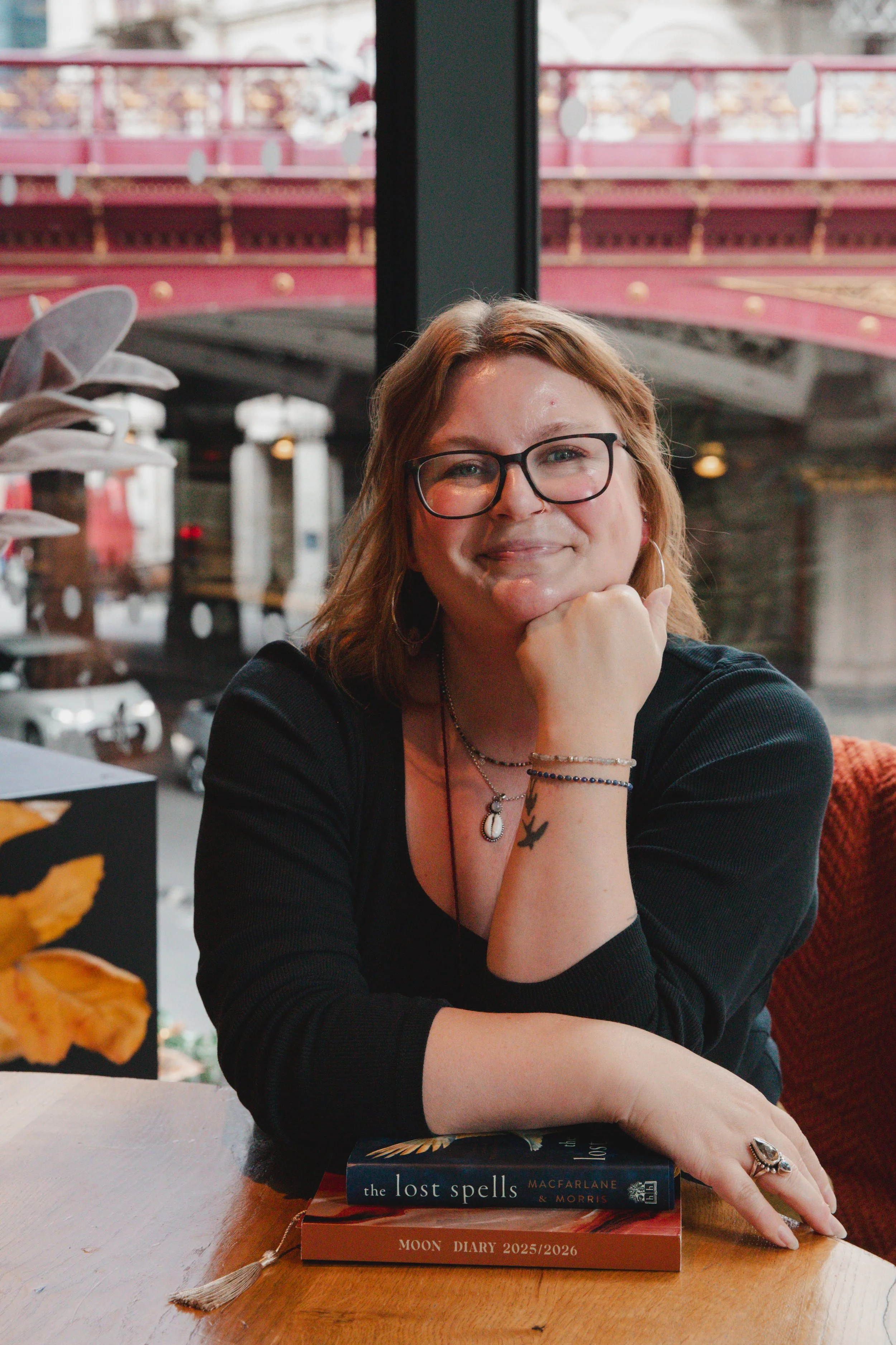
Why I created this
Most business owners don’t struggle with the idea of a website, they struggle with the doing of it - the overwhelm, the tech, the visibility fears, the perfectionism…and the endless “I’ll do it at the weekend.”
I made this Build-Along because I know how much shifts when someone says: “Let’s do it together.”
-
No. I’ll guide you through it as a beginner.
-
Short answer: no, and no one ethical can.
I’ll teach you the core SEO basics that genuinely matter for small businesses: how to structure your pages, use headings properly, the importance of relevant keywords, clear meta descriptions and meaningful image alt text. These foundations help Google understand what your site is about so the right people can find you over time.
But search rankings depend on loads of factors outside our control like competition, search trends, how often your site is updated and what Google is favouring that month. So while I can help you set your site up well, I can’t guarantee the number one spot.
What I can guarantee is that you’ll walk away with a solid, sustainable SEO foundation that supports your visibility long after the course ends.
-
The magic of this Build Along really happens in the room. The whole point of doing it together is the shared momentum, the little breakthroughs, the “oh thank god it’s not just me” moments, and that team spirit that builds as we all work through our sites side by side. We’ll even be launching our websites together at the end of the six weeks, which is such a good buzz when you’ve built it as a group.
So yes, I really encourage you to come live if you can.
But… life happens. If you can’t make a session, or even if you miss all of them, every call will be recorded and added to your portal. You’ll still be able to follow along in your own time and keep up with the process..
-
Ideally, it’s helpful if you’ve already got a logo, a few chosen colours, some fonts you like, and an idea of the images you want to use. But if you don’t have any of that yet, it’s totally fine. We can use Squarespace’s built-in design presets to get you started, and you can simply use your business name in place of a logo for now. If you’d prefer to create a placeholder logo in Canva, that works too. If you’re feeling unsure or want to chat it through before we start, you’re welcome to book a free call with me. Branding can be added or refined anytime, so nothing about this will hold you back from building your site.
-
No, you don’t need a domain at this stage.
The easiest option is to buy one directly through Squarespace when we reach that stage together. If you already have a domain elsewhere, that’s completely fine too — we can either transfer it or connect it during the session.
Either way, you’ll be walked through the whole process so you’re not left guessing or trying to figure it out alone.
-
No, you’ll need to bring your own copy.
FAQs
-
Yes. You’ll know exactly how to change text, swap images, add sections, update pricing, and make small changes as your business grows. You won’t need to rely on anyone else to make simple updates.
-
Great question! Ideally you’ll attend live and follow the sessions so we’re building together. But, it’s likely that you’ll want a little extra time after each one to continue what you’ve learnt. I estimate you’ll need 2-4 hours a week, but you’ll be surprised how quickly time goes when you’re editing and refining.
-
That is the aim and the structure of this course is designed around that outcome. But, who knows what life has in store for you! Unless you have an urgent deadline, I’d encourage you to go at a pace which feels comfortable to you and not rush it.
-
No. That’s exactly what our first call is for. I’ll help you get set up and guide you through choosing the right Squarespace plan for your business, so you don’t need to make any decisions beforehand. If you have already done this - that’s great news - I’d still come along anyway for the vibes an dmaybe you’ll learn something you didn’t know!
It can be helpful to take a look at the plans in advance, just to get a feel for what your website might need. This article is a good place to start: Choosing the right Squarespace plan.
-
Spaces on the Build Along are limited, which means I hold your place once you enrol. Because of that, I don’t offer automatic refunds. Please refer to the terms here.
You get access to every live session, plus all the resources you need to build your website step by step. I fully believe the course delivers on what it promises.
However, if you genuinely feel the course isn’t working for you and you can show that you’ve taken part, tried the steps, and run into issues you can’t resolve, you’re welcome to book a clarity call with me. I’m always open to talking it through and considering a refund in those circumstances.